Your environment, your models
Runs on your hardware or in your own cloud account, with models inside your boundary or a provider you already use. No connection back to Decision Terrain.
Review deployment optionsEnterprise
Give operations, account, and reporting teams persistent AI agents that prepare briefs and coordinate recurring work, using the records they already have.
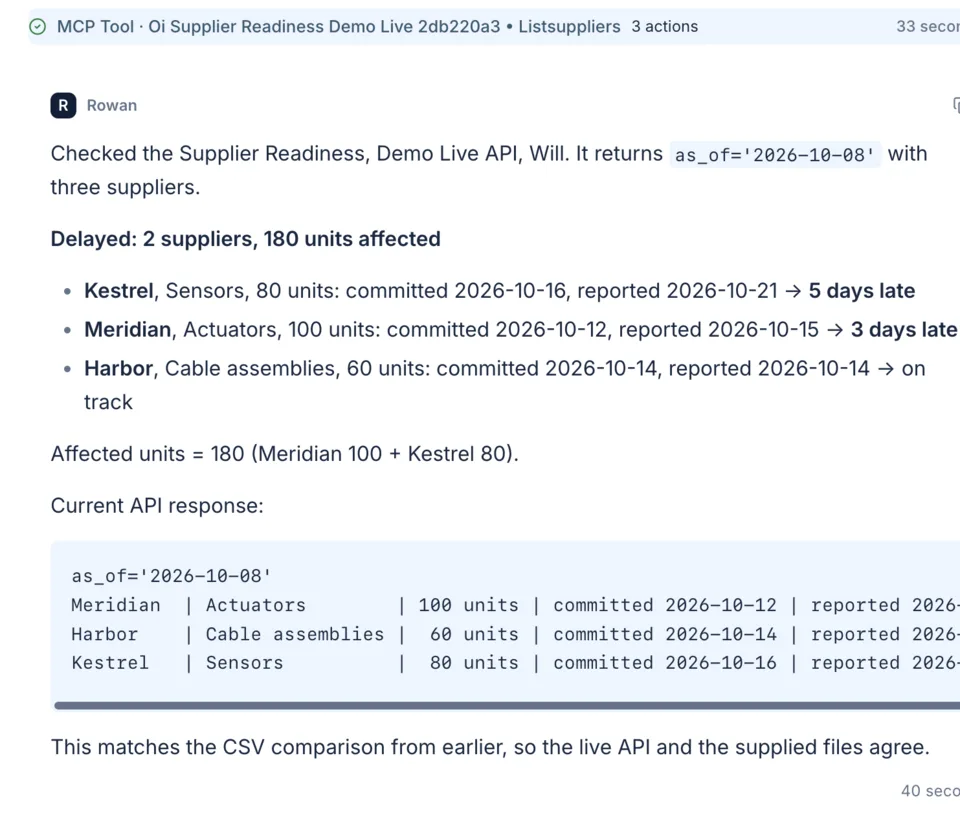
Work across approved applications
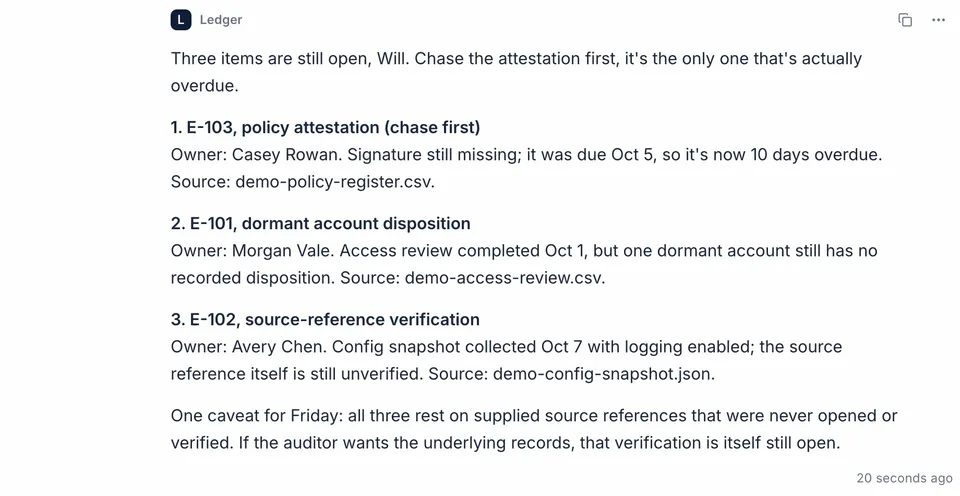
Team and agent collaboration
Deployment choices for your organization
01 / Work across systems
Give an agent a recurring job, the records it needs, and a reviewer. It keeps its history, so each cycle builds on the last.
Example workflows, configured and evaluated for each organization. Connect the systems behind them through internal APIs and MCP tools.
02 / Why security says yes
Most agent projects stall at the security gate, not on capability. Decision Terrain is designed around the three questions an approver asks first: where does the data go, can we stop it, and can we prove what it did.
Runs on your hardware or in your own cloud account, with models inside your boundary or a provider you already use. No connection back to Decision Terrain.
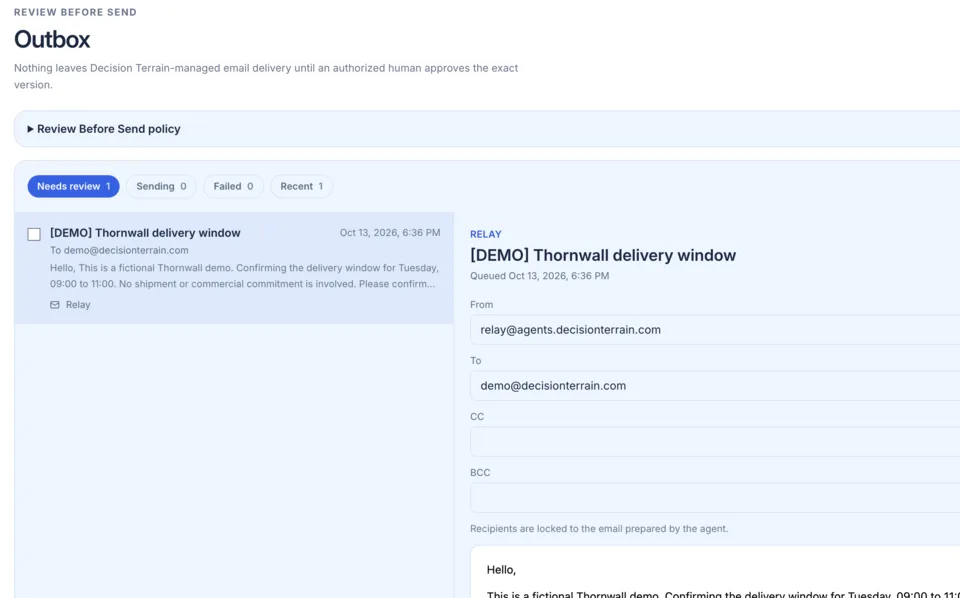
Review deployment optionsDeny tools for one agent, a Team, or everyone. Hold outgoing email for review of the exact message, and require approval for exact API writes. Instructions guide agents; these controls enforce boundaries.
Review security and governanceWhere enabled, place a security hold from the console or from your SIEM, released only by an authorized person. Material actions are recorded before they run and forwarded to your security tools.
Request the security review materials03 / Operational coordination
Follow plans and tool activity, answer the agent's questions, and review covered email or approval-required API calls before they go out.
Inspect recorded authority and outcomes, or forward selected events to your SIEM.
04 / Fit your environment
Private networks, customer-selected models, and restricted data shape the deployment. We scope it around those conditions.
Decide where the application, data, inference, and execution run. Air-gapped deployment is available.
Compare deployment optionsDevelop integrations with DT's documentation. Optional DT engineers can help build the first workflow alongside your team.
Engineering helpNext steps
Explore the platform around your systems and workflows. Your team can lead implementation, with DT engineering and support available when you need it.