Define the role
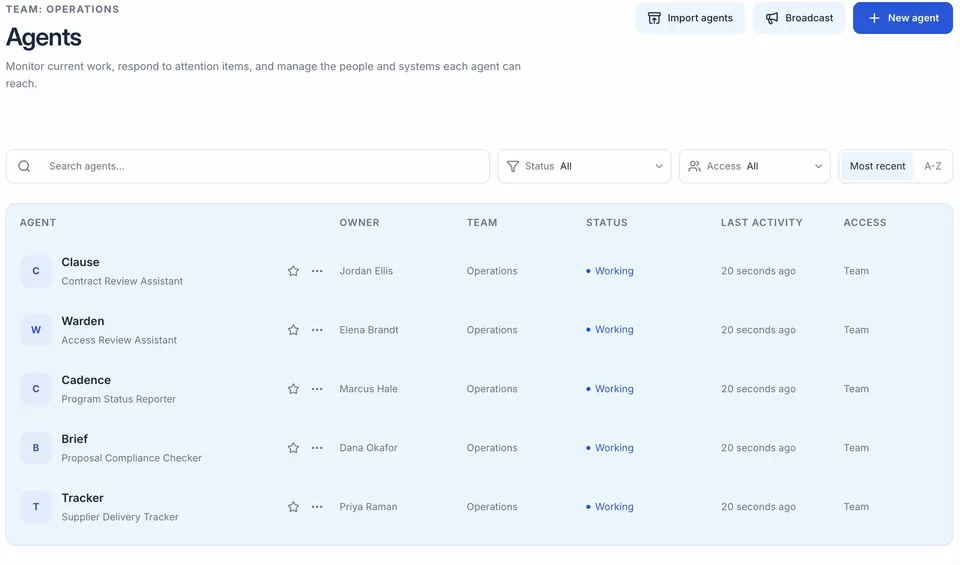
Describe the job in plain language. Refine the agent’s charter with goals, boundaries, source expectations, and the format of a useful result. Configure mandatory access and approval rules separately.
Platform overview
DT brings persistent agents, shared workspaces, system integrations, and review controls into one platform. Set up ongoing responsibilities, coordinate work across teams, and make the results available through your existing applications.
Persistent agents and working context
Internal APIs, MCP, and custom tools
A platform for your applications
01 / Set up the work
An agent retains its identity, conversations, files, and work history between interactions. Your team can return to the same responsibility and build on earlier work.
Describe the job in plain language. Refine the agent’s charter with goals, boundaries, source expectations, and the format of a useful result. Configure mandatory access and approval rules separately.
Add reference documents and working files. Agents can read supported documents, maintain structured working data, and use previous work as context. Memory summaries support continuity without keeping every historical detail in active context.
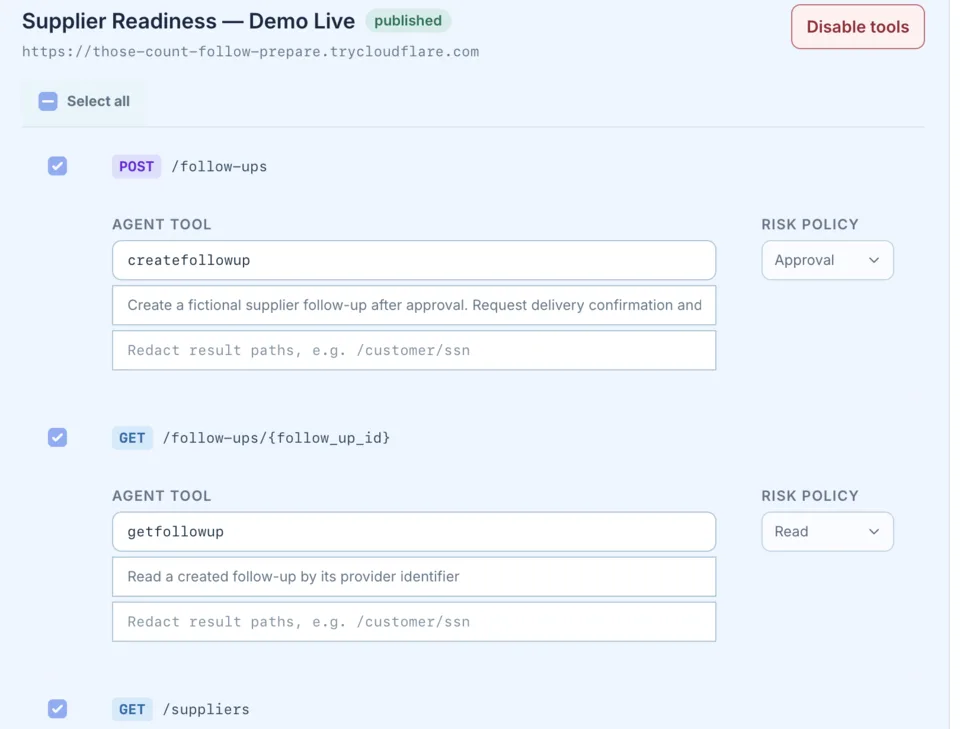
Assign supported app connections, authenticated APIs, or Model Context Protocol (MCP) tools. Access depends on the connected account, granted permissions, and deployment configuration.
Explore integrations and APIs02 / Carry out the assignment
Ask for a brief, maintain a tracker, or coordinate a recurring reporting cycle. The platform combines conversational direction with persistent files, plans, and background execution.
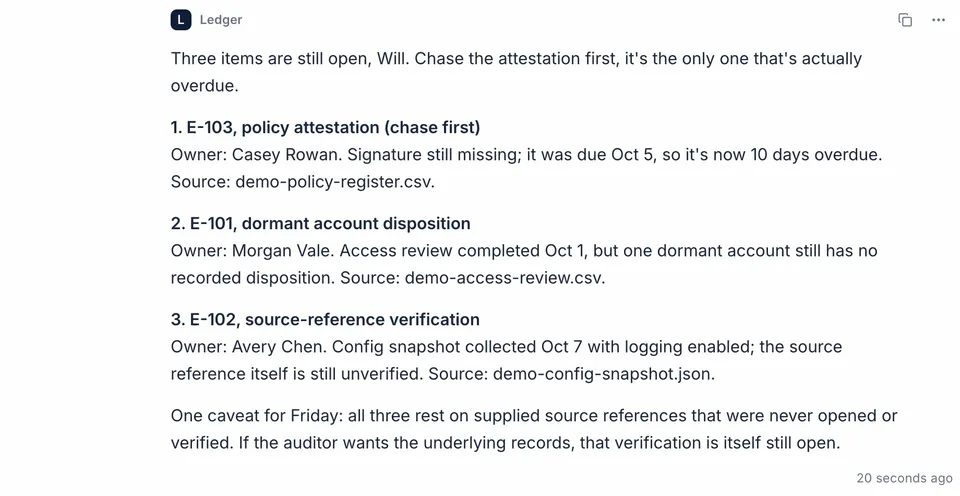
Give an instruction in chat and add files or follow-up direction. Inspect plans, tool activity, pending requests, and deliverables in the agent’s timeline. Stop a run or pause an agent when the work needs to change.
Set named schedules with a time zone or trigger work through supported app events and webhooks. Background work can continue while you are away, subject to active workers, usable connections, and available capacity.
Place agents in shared Team workspaces and invite collaborators. Link agents to exchange focused messages and artifacts while each keeps its own tools, instructions, and access limits.
Turn supplied files, research, and authorized records into briefs, tables, charts, CSV exports, or PDF reports. Inspect the supporting work and revise outputs before using them in an operational decision.
03 / Build on the platform
Your developers can connect the platform to internal services and use persistent agents from the applications your teams already work in.
Add custom API or MCP connections, choose the operations available to each agent, and package reusable instructions and tools around your organization’s work.
Connect and extendUse the Agent API to start assignments, follow timeline events or supported webhooks, and retrieve results. DT’s MCP endpoint also lets external AI clients work with accessible agents.
Explore developer interfaces04 / Computer interaction
Some workflows involve software interfaces as well as APIs. TaskGlass provides desktop tool access to a supported, paired computer for an assigned platform agent.
TaskGlass extends an agent’s tools to an applicable desktop workflow. Connection controls let you pause, resume, or revoke access to the paired computer. Browser interaction is also available through the platform’s configured browser services.
TaskGlass is in limited rollout. It requires the desktop client, supported operating-system permissions, and deployment enablement. We confirm computer, application, access, and oversight requirements before including it in an engagement.
05 / Operational fit
The useful configuration depends on your organization’s models, information boundaries, and operating responsibilities. Capabilities vary by deployment, permissions, connected services, and enabled features.
Compare customer-hosted and DT-hosted arrangements, including air-gapped deployment. Establish where inference, data, and execution operate.
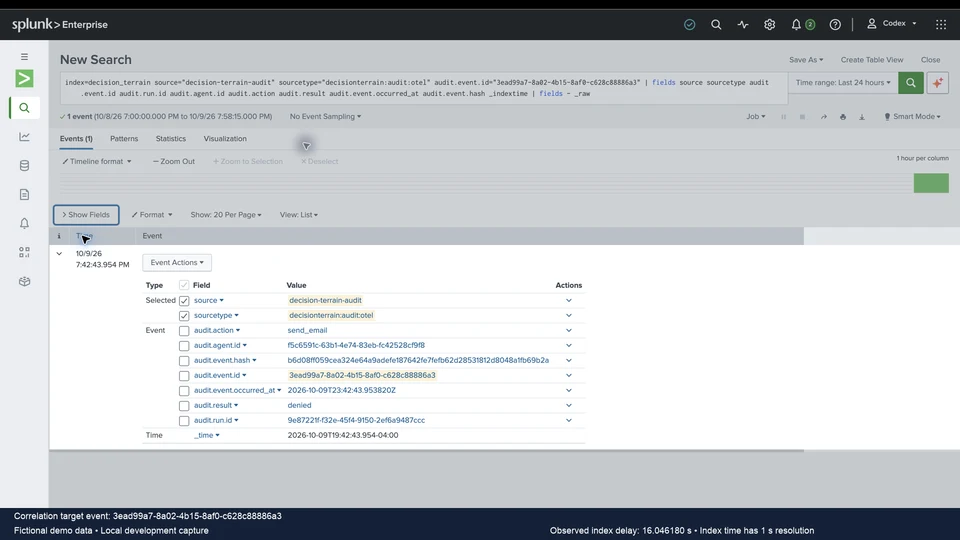
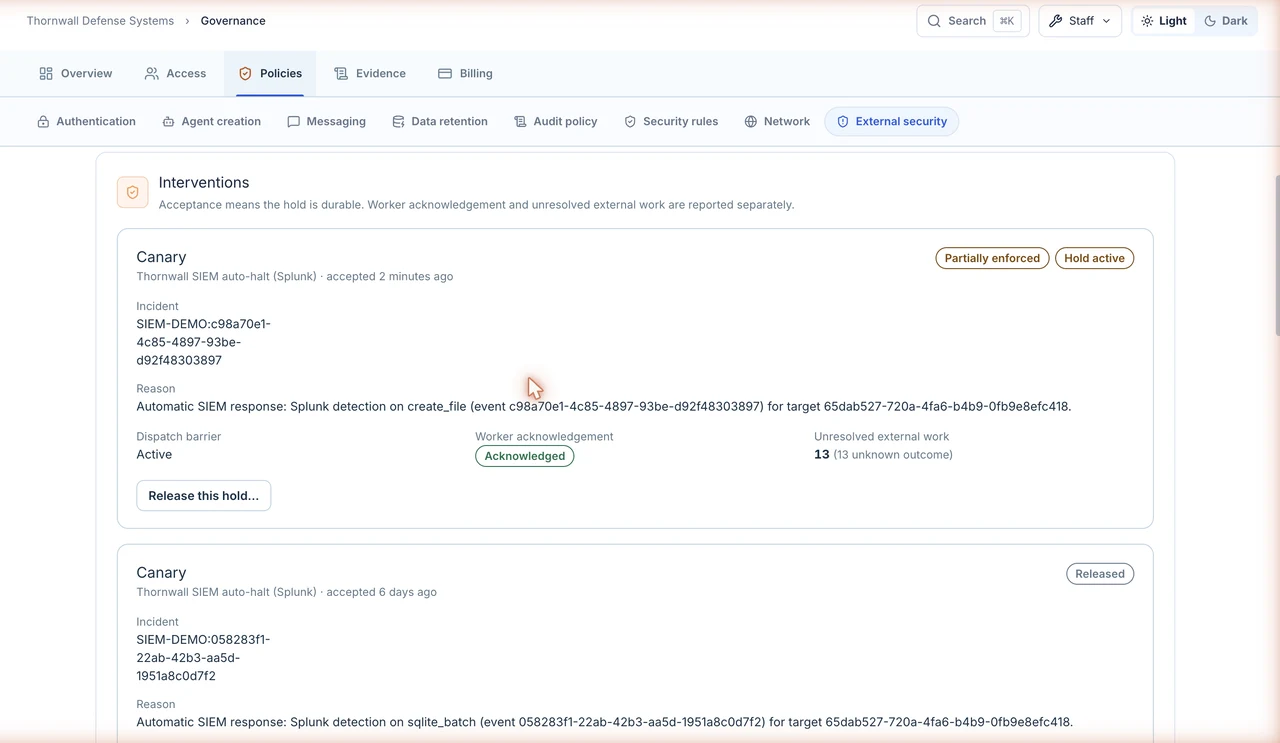
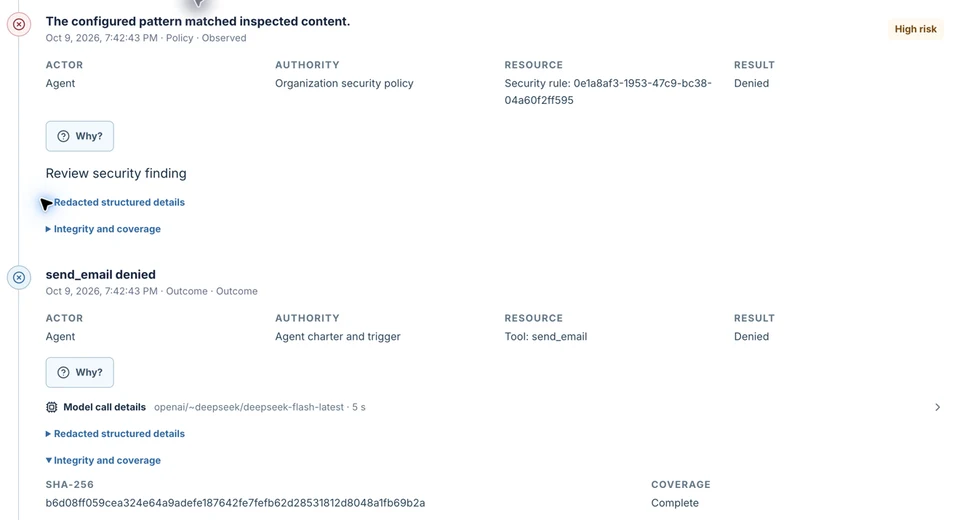
Explore deployment optionsReview identity, credential handling, action-specific approvals, and audit evidence with your technical evaluators.
Review the controlsBuild with your own team using platform documentation. Bring in optional DT engineers for initial solution consulting or implementation, with training and support as scoped.
Explore engineering supportFor a practical way to assess the platform against your requirements, use the guide to evaluating an AI platform beyond the demonstration.
Next steps
Explore the platform around your systems and workflows. Your team can lead implementation, with DT engineering or independent consulting available when you need it.